


Tips for decluttering your digital workspace effectively
 By
Naomi Adeyemi
By
Naomi Adeyemi
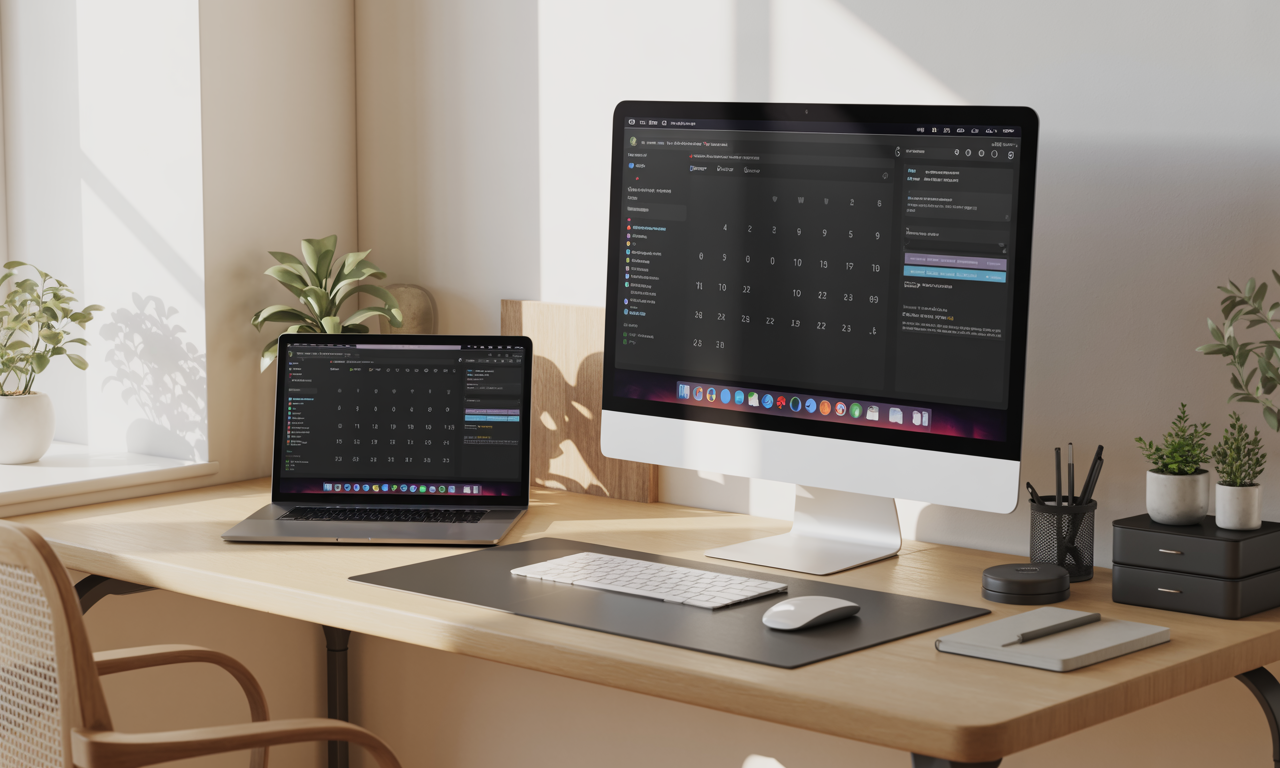
The digital age has its perks, cloud access, seamless collaboration, information at your fingertips. But as weeks turn to months, emails mushroom and files scatter like autumn leaves after a gust of wind. Every login is shadowed by that creeping dread: icons overcrowding your desktop, notifications pinging for attention, documents swimming in and out of reach. Amid this daily digital disarray, peace seems impossible. Yet, with the right strategies, mobile apps, and cloud solutions like Trello, Evernote, and Google Drive, a clean, focused workspace is within reach. Whether you’re ridding yourself of notification-induced anxiety or merely want your computer to boot in seconds again, these pragmatic steps will help you reclaim your productivity and find clarity amid the clutter.
Mastering the Digital Desktop: The Gateway to Efficiency
Staring at a messy desktop each morning is like walking into an office with papers strewn everywhere. One rainy afternoon, I realized my computer had become a catchall for everything: original drafts, invoices, vacation photos, even downloads I could barely remember. That realization sparked an overhaul.
- Create a single “Desktop Dump” folder and move all unsorted files into it, labeling it by date for easy reference.
- Audit and sort the dump, delete anything obsolete, relocate essentials to well-named folders, and implement a file naming convention.
- Update your wallpaper to something calm and motivating; it subtly sets the daily tone.
- Automate cloud backups with Dropbox or Google Drive to secure critical files and keep local storage light.
From that day onward, the act of returning each file to its “home” became non-negotiable, setting an intention for everything else that followed.
Decluttering Download Havens and Temporary File Dumps
The Downloads folder is notorious for becoming a digital black hole. Periodic review and ruthless culling of unnecessary installers, screenshots, and duplicate files transforms it into a functional transition zone rather than a landfill.
- Sort by date and type; eliminate duplicates by checking file size and modification time.
- Create action-based folders, ‘Review’, ‘Archive’, ‘To Upload’, to maintain momentum and clarity.
- Set regular reminders in Notion or Todoist to review this folder each week.
Establishing this discipline fosters a mindset of continual improvement throughout your workspace.
Email Overhaul: Reclaim Focus with a Streamlined Inbox
Inbox zero is less a destination than a myth; the real trick is building a system that works for you. At the peak of my email overwhelm, I spent entire lunch breaks searching for lost threads. Change arrived with a shift in approach, not more folders, but fewer, smarter ones, and powerful automation.
- Bulk-archive old, read messages; focus only on what’s actionable or recent.
- Unsubscribe relentlessly from newsletters or updates that no longer serve you, using automated tools when possible.
- Consolidate with rules/filters, route receipts to Finance, client requests to Projects, using features from your provider or apps like Microsoft OneNote.
- Dedicate slots, perhaps in your Monday.com or Asana board, for processing email, avoiding constant notification distractions.
This transformation turned my inbox into a genuine cockpit for action, not anxiety, a pivotal turning point in digital productivity.
Modern App and Program Declutter: Choosing What Truly Sparks Joy
When you scroll through your app library, do you recognize every icon? Many don’t. I once found three calendar apps, none of which I used. This is where the “Does it spark joy?” principle crosses into digital strategy.
- Delete unused apps and redundant software, especially those you haven’t opened in 90 days.
- Keep one tool per category (one calendar, one note-taker like Evernote or Microsoft OneNote, one main project management app like Trello or Asana).
- Organize remaining apps into folders, grouping by function, ‘Communication’, ‘Productivity’, ‘Creative’, and pin your most-used to the home screen for rapid access.
- Regularly review subscriptions on app stores and digital services, pausing any that no longer deliver value.
App minimalism reduces overwhelm and lets critically useful tools, like Notion or Todoist, shine through every workday.
Social Media and Messaging Hygiene: Designing Digital Boundaries
Digital clutter isn’t just about files; it’s about feeds and distractions. One morning, after a fifteen-minute YouTube detour on productivity tips, I realized, ironically, my feeds needed urgent attention. The principle was simple: curate ruthlessly.
- Mute, unfollow, or remove connections that don’t add genuine value or positivity to your professional life.
- Review your accounts on Slack, LinkedIn, Twitter, and other networks: leave groups that are dormant or irrelevant.
- Consolidate chat threads, archiving the old and starring the important in Slack, WhatsApp, or Discord.
- Set aside digital “quiet hours” by disabling notifications in app settings, using device-level Do Not Disturb in the evenings.
Each adjustment feels small, but together, they carve out fresher mental space for creative focus.
Structuring Your Digital Files, Folders, and Notes for Maximum Impact
Wandering through poorly labeled files is a recurring nightmare for anyone who collaborates online. Clarity began the day I decided every document on Google Drive, Dropbox, or the company’s shared drive needed a permanent, logical home. Extra time spent setting up soon pays itself back tenfold.
- Map out broad, high-level folder categories, Clients, Projects, Finance, Archives.
- Within Trello or Monday.com, create links to these repository folders directly in relevant cards or boards for seamless access.
- Develop easy-to-read naming conventions (YYYY-MM-DD_Project) and retroactively rename unsorted files.
- Leverage search-boosting tags in Evernote or OneNote for quick cross-referencing.
Proper digital architecture means never scrambling for a contract, a creative brief, or that “final_final_reallythisisfinal” version again.
The Final Touches: Passwords, Photos, and Browser Bliss
Passwords slip, photos multiply, browser tabs breed unchecked. Without a system, chaos reigns. When I lost access to an old design portfolio after a forgotten password, I adopted a stricter regime.
- Install a dedicated password manager (LastPass, 1Password), and migrate all credentials, then delete obsolete accounts.
- Back up all photos and important files to Google Drive or Dropbox, deleting duplicates and blurry images as you go.
- Use read-it-later apps and organize bookmarks into clear folders; close all tabs at the day’s end using extensions like OneTab.
This ongoing vigilance, not a one-time fix, delivers true peace of mind.
Sustaining Your Clean Digital Workspace Over Time
Momentum fades without habit. The secret? Turn the checklist into ritual, not rescue. I keep a biweekly recurring check-in on Asana, running through a digital declutter mini-list before project planning. Productivity isn’t about more tools, but the discipline to use them intentionally.
- Bookend each week with a brief review: desktop clear, downloads purged, email folders zipped up.
- Limit the spread of new files, decide on cloud or local home as soon as you save or receive something new.
- Journal quick reflections in Notion to refine what’s working and what’s not; tweak accordingly.
With routine, your digital workspace remains a tool for clarity, not chaos, enabling you to focus on meaningful work and savor each win, digital or otherwise.