

Simple tricks for faster internet connectivity in 2025
 By
Naomi Adeyemi
By
Naomi Adeyemi
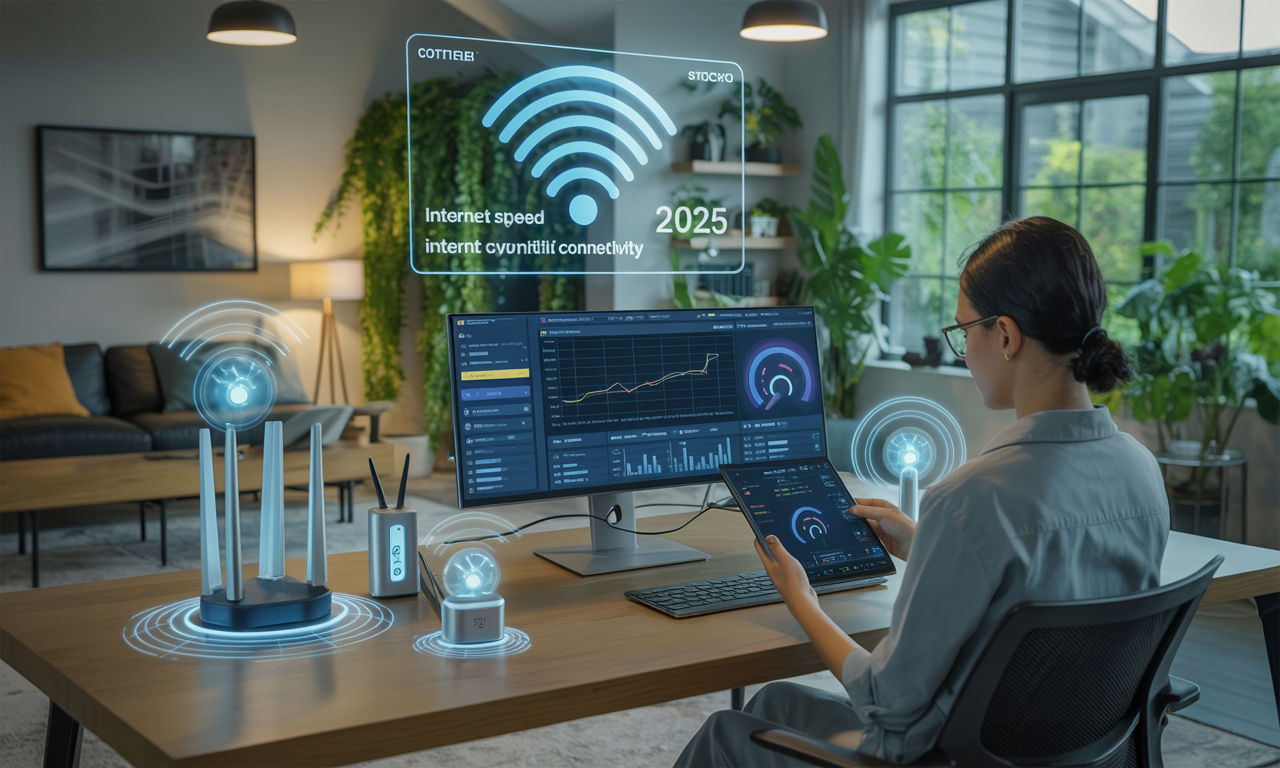
Picture this: It’s 2025, and digital life is in full swing. Smart devices line every shelf and stream your favorite music as you close a virtual meeting room on one screen while the kids race cars online, all under the same roof. Despite the leaps in internet technology, an unexpected buffering wheel or dropped connection can still derail your momentum. Why, when the world is so connected, do dead zones or slow downloads persist? Across living rooms and city blocks, homeowners reach for solutions, hoping to squeeze just a bit more speed and reliability from their setups. The difference between a laggy connection and seamless browsing often comes down to a handful of savvy strategies and some well-chosen tech. Here’s how households from tech novices to power users are unlocking the full potential of their home networks with solutions both old-school and cutting-edge.
Optimize Router Placement and Settings for Lightning-Fast Speeds
For those chasing faster internet connectivity in 2025, the location and configuration of your router offer a surprising boost. Many overlook the impact of a misplaced router: Bob, a remote-working architect, once stuck his Netgear router behind thick books, only to realize that central, elevated placement unlocked seamless blueprints sharing and high-def video calls. If your router’s tucked into a corner or buried behind electronics, the signal is already fighting through barriers before reaching your device.
- Central position: Place your router in the middle of your home for balanced coverage.
- Avoid large appliances and metal objects: These create interference that weaken Wi-Fi signals.
- Adjust antennas: With routers from TP-Link, ASUS, or Linksys, tweak antennas up or sideways for improved reach.
- Update router’s firmware: Check for updates for models like Google Nest or D-Link; algorithm improvements often come via firmware.
- Experiment with settings: On Cisco and Zyxel devices, adjusting Request To Send (RTS) thresholds can help in crowded apartment blocks.