


How to optimize your device for better performance in 2025
 By
Naomi Adeyemi
By
Naomi Adeyemi
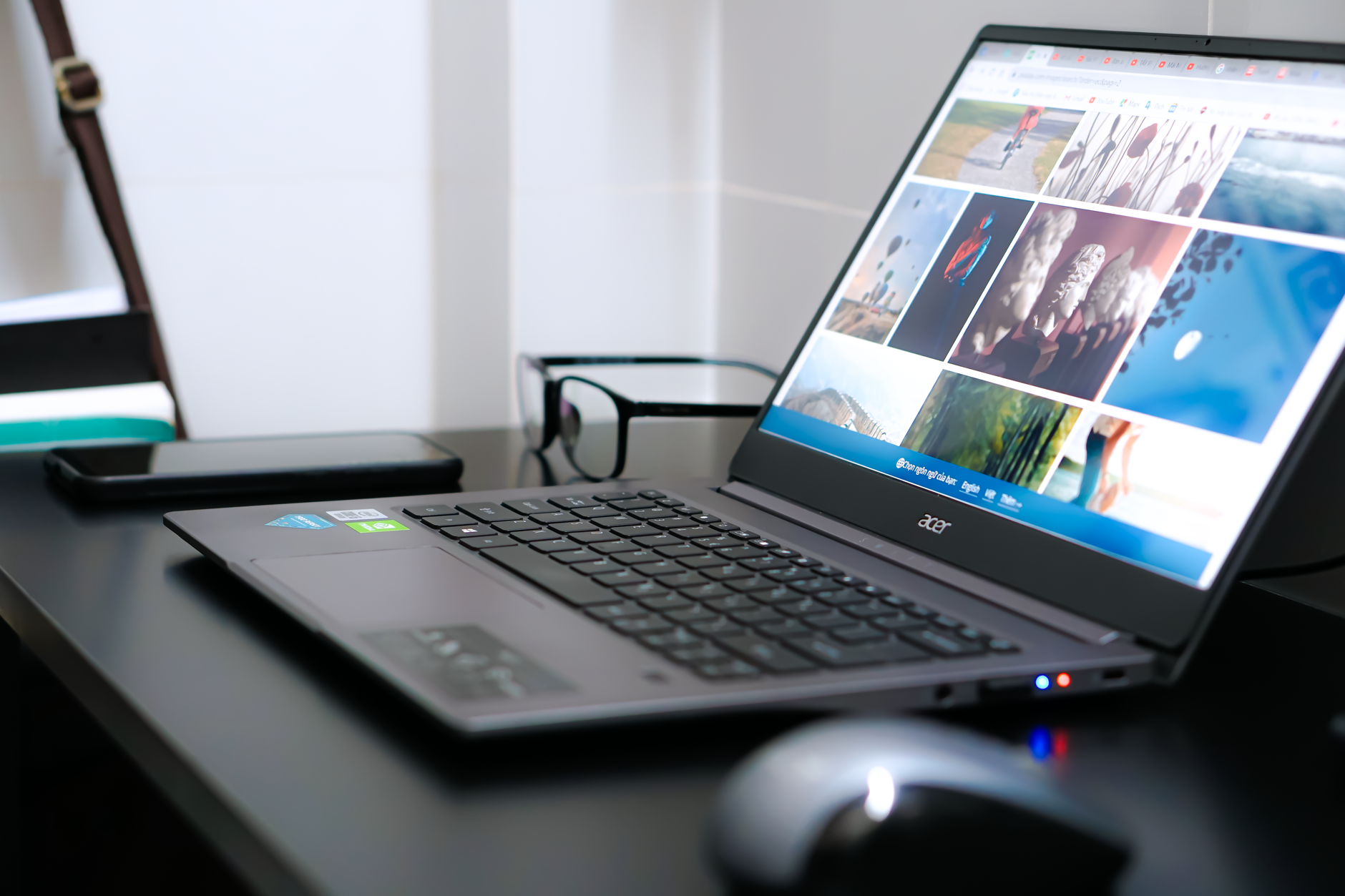
Battling slowdowns and spinning circles has become a universal tech rite of passage, whether you’re managing a Dell laptop in a bustling Chicago household or tapping away on a Samsung phone during your Illinois commute. In 2025, with new updates rolling out from Microsoft, fresh innovations from Apple and Lenovo, and power-packed graphics from NVIDIA, keeping your device at its best isn’t just a matter of pride, it’s about quality of life. I recall a midwinter evening, chilled by more than the Lake Michigan wind, when our family PC took so long to boot, we could have finished a slice of deep-dish pizza waiting for it. That night set me on a journey across forums, tech stores, and download folders, searching for practical ways for regular people, parents, students, remote workers, to squeeze every ounce of speed from their machines. Here’s what I discovered, told with the clarity of a hands-on IT technician and the perseverance of any determined Chicagoan. Let’s unlock your device’s full potential together in the year’s most dynamic tech landscape yet.
Essential Steps to Revitalize Device Performance in 2025
When your device starts dragging through everyday tasks, the culprits are often the same: outdated software, a cluttered system, and aging hardware. In the last two years, studies reported that 60% of U.S. households grappled with slow performance on devices older than three years. But, as countless Apple, Asus, and HP users have learned, there’s no need to splurge on a shiny replacement. With a thoughtful approach and a modest budget, often under $150, it’s surprisingly straightforward to transform a sluggish device into a responsive workhorse.
- Clear out temporary files and digital clutter using reliable tools like CCleaner or your device’s built-in cleanup utility.
- Update all software, from operating systems (Windows, macOS, Android) to essential drivers by brands such as NVIDIA or Lenovo.
- Organize files and uninstall unused programs, a disciplined desktop saves both time and memory.
- Check for malware and viruses using trusted antivirus solutions: this is a must before all other steps.
- Manage startup apps via Task Manager (Windows) or System Preferences (Mac), disabling non-essential items for a faster boot.
Each of these actions chips away at the barriers slowing your device, often delivering noticeable results within the hour. The process isn’t just for power users, brands like HP and Razer often recommend these same basics in tech support guides. Once you’ve made these changes, you’ll feel the difference with every click and tap.
Advanced Tweaks for Windows, Apple, and Samsung Devices
After covering the essentials, many crave a deeper dive. In 2025, device makers from Asus to Samsung reward power users with optimization features just a click away. For instance, switching your Windows power plan to High Performance taps into extra speed, especially on desktops from Dell or gaming rigs from Razer. Apple users can manage background processes and memory usage through Activity Monitor, while Samsung and Lenovo fans benefit from battery and speed optimization tools found in their respective settings.
To go further, consider these critical yet often underused tactics:
- Disable visual effects and animations: fewer graphics mean more resources for what matters.
- Adjust virtual memory settings (paging file) to boost multitasking, a favorite trick for those editing video or gaming.
- Manually install the latest drivers for graphics (from NVIDIA, AMD, Intel) and storage, key for gamers and creators alike.
- Defragment traditional HDDs (skip this for SSDs), reorganizing fragments for speedier read/write times.
- Turn off redundant notifications, tracking, and background apps to minimize distractions and free up resources, especially vital on theory-bloated Windows installs or heavily customized Samsung Android devices.
Small adjustments can lead to substantial improvements. For example, after tweaking RAM settings and trimming down startups on a client’s HP desktop, boot time dropped from over two minutes to less than thirty seconds.
Smart, Budget-Friendly Hardware Upgrades for 2025
When software tricks are exhausted, a modest investment in hardware, often using only a fraction of your $150 budget, works wonders. The powerhouse combo for 2025: increasing RAM and installing a solid-state drive (SSD). Major brands like Corsair make affordable RAM kits, while Samsung and Kingston lead the SSD market with reliable, speedy models. Even legacy systems from Lenovo and Dell get a new lease on life with these upgrades.
- Upgrade RAM from 8 GB to 16 GB, enables smooth multitasking and prevents browser freezes.
- Swap an old HDD for a SATA SSD, expect up to 70% faster boot and file access times.
- Use cloning software (like Macrium Reflect) to migrate your data, preserving files and settings effortlessly.
Installation is typically straightforward, especially with countless step-by-step guides on YouTube and clear documentation from companies like Asus and Microsoft. These changes not only extend the life of your device but deliver that “brand new” speed for a fraction of the cost of a replacement.
Maintaining Peak Performance: Routines and Monitoring
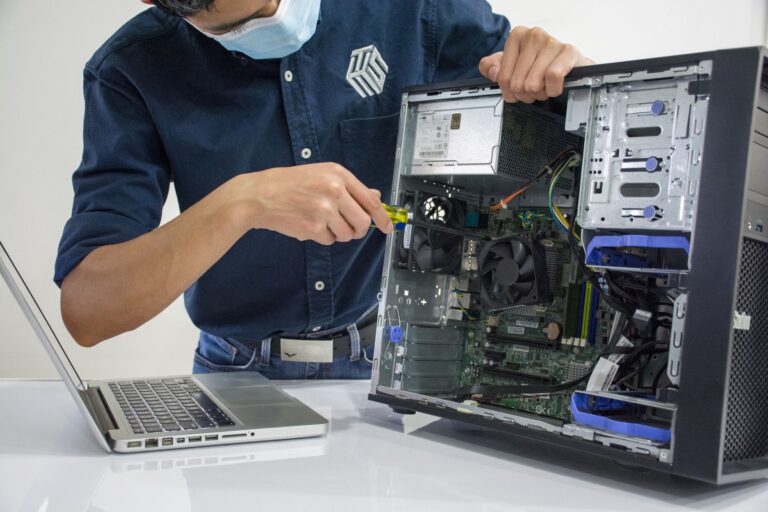
Optimization is most effective when treated as ongoing care, not a one-off event. Over years in tech support across Chicago and beyond, I’ve found that disciplined routines prevent most performance hiccups. Use simple tools like HWMonitor to catch thermal spikes and fan failures before they become disasters, a tip valued by both Apple MacBook owners and Asus gaming aficionados.
- Monthly cleanups using CCleaner or built-in utilities resist slowdowns from accumulating clutter.
- Quarterly dusting of desktops and laptops, cooler systems from HP or Razer maintain top speeds longer.
- Quarterly updates to drivers and BIOS/firmware, especially after major Windows or macOS releases.
- Monitor startup and active processes, never let unnecessary software linger.
This mindful, routine approach gives back time and peace of mind, a worthy trade in today’s fast-moving world.
Real-World Stories: When Optimizing Devices Changes Everything
Each small win in performance optimization multiplies quickly: I’ve seen it firsthand with clients who were ready to toss their old Dell or Lenovo laptop, only to be delighted by a quick SSD install and RAM bump. The payoff isn’t just in numbers or charts but in quiet evenings, fewer family tech complaints, and the satisfaction of devices that “just work”, from your HP workhorse to your Apple phone. Seeing a system leap from three-minute startup slog to nimble response time not only saves time for productivity but also restores a sense of tech confidence, no matter the brand or use case.
- An old desktop transformed for under $100: Corsair RAM and Samsung SSD.
- Lenovo laptops running smooth after routine cleanups and graphics driver updates from NVIDIA.
- Home office setups balancing multiple platforms, Asus for gaming, Microsoft Surface for work, each boosted by simple, regular tweaks.
When each device in your household or business performs at its peak, digital life feels lighter and opportunities expand. That’s the ultimate value of optimizing your tech in 2025.