



Smart home maintenance: Keeping your tech in top shape
 By
Rhys Llewellyn
By
Rhys Llewellyn
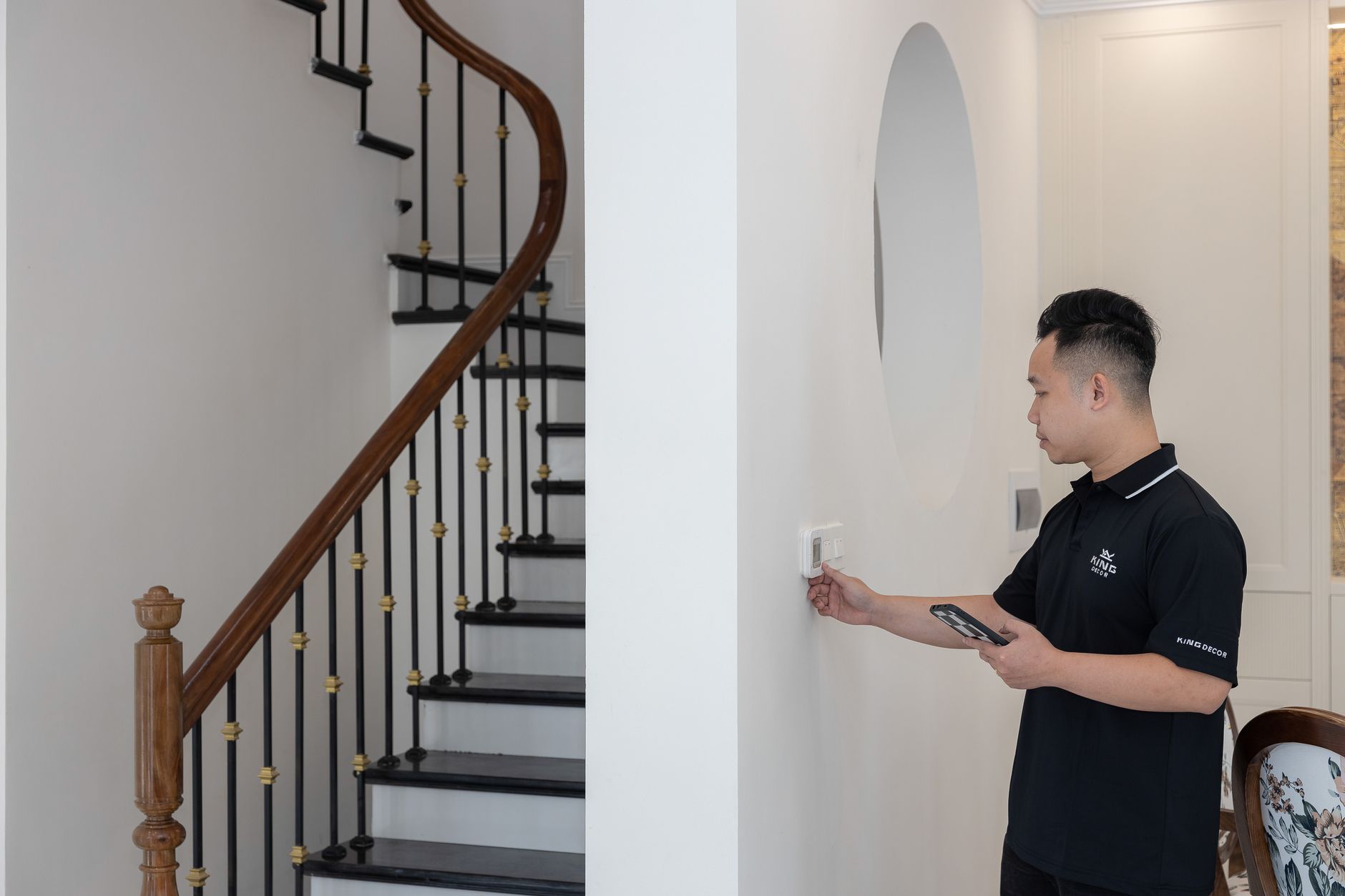
Every morning, as sunlight slips through the blinds, Dana’s house stirs before she does. The Ecobee thermostat adjusts the temperature, the Philips Hue bulbs mimic a natural sunrise, and the Ring doorbell gently illuminates the pathway for early deliveries. Like millions of homeowners in 2025, Dana relies on a web of smart devices, Nest in the kitchen, August on the front door, a network powered by TP-Link routers, to smooth the edges of daily life. But as the weeks roll by, she notices her smart speaker mishearing commands, the fridge clock blinking ten minutes slow, and the bedroom lights refusing to dim. Underneath the convenience, these lapses signal it’s time for a systematic approach to smart home maintenance. Keeping tech in top shape no longer means just dusting gadgets; it’s a dance of firmware updates, sensor care, network tweaks, and fast troubleshooting: a dance homeowners must master to keep everything running as intended.
Smart Home Device Maintenance: Firmware Updates and Security
Modern households are powered by invisible software as much as by tangible gadgets. Brands like Nest, Honeywell Home, and Samsung SmartThings build brilliance into their products, but firmware updates are the lifeblood that keeps devices secure and efficient. Dana learned from HomeAdvisor that every device, be it a Ring camera or that smart TP-Link plug, needs periodic software refreshment, as vulnerabilities can surface with use or when standards evolve.
- Check firmware monthly: Use mobile apps or web dashboards for Nest, August, and Ecobee to verify system versions.
- Read update notes before installation: Manufacturers like Logitech and Honeywell usually explain what changes an update brings.
- Backup settings where possible, especially for integrated ecosystems like Samsung SmartThings or complex routines managed by HomeAdvisor-certified setups.
- Avoid third-party firmware: Stick strictly to official updates from trusted brands.
- Update one device at a time to minimize network disruption and spot issues faster.
This routine not only patches security holes but smooths device interactions, prevents unexpected crashes, and ensures longevity in a digital landscape that never stops evolving.
Ensuring Data Safety During Firmware Changes
Firmware hiccups can disrupt daily life. Dana experienced a sudden outage when her August lock firmware glitched mid-update, locking her out for an hour. Savvy homeowners should:
- Ensure devices are plugged into reliable power before launching updates.
- Document smart device settings and configurations in case a rollback is needed.
- Keep emergency contacts (including HomeAdvisor support lines) accessible for manufacturers like Ring or Philips Hue.
A deliberate, well-prepared routine turns potentially risky updates into mundane tasks: yesterday’s headache becomes today’s confidence.
Routine Sensor Care: Cleaning, Calibrating, and Monitoring
Sensors are the silent sentinels behind automation, but even the mighty can falter. Dust, fingerprints, or even shifting furniture confuse the Phillips Hue ambient light sensors and muddle security camera feeds. Dana once missed a morning alarm because a sticky kitchen sensor, coated with pancake batter, misread the air.
- Wipe lenses and surfaces regularly on motion detectors, thermostats, and indoor cameras using microfiber cloths.
- Calibrate temperature and humidity sensors seasonally for devices like Ecobee and Honeywell Home.
- Inspect for physical damage, especially outdoor gadgets like Ring cameras and smart garden sensors.
- Position sensors away from interference: Keep them clear of heat sources, routers (including TP-Link), or reflective surfaces.
Every time you maintain these sensors, you restore the backbone of reliable automations, so your home responds as smoothly as a well-practiced orchestra.
Spotting Signs of Failing or Dirty Sensors
Smart home woes rarely announce themselves, often, a room stays cold or a light flickers unexpectedly. Symptoms of uncalibrated or dirty sensors include:
- Inconsistent temperature regulation (especially with Nest or Honeywell Home thermostats)
- Lights not triggering as expected in multi-bulb Phillips Hue setups
- Security system false alarms or muted camera images
Staying vigilant means fewer surprises and less time troubleshooting when routines matter most.
Network Optimization for Seamless Smart Home Functioning
Signal is king in the castle of smart tech. When Dana’s Nest speaker lagged or her Logitech camera stuttered during video calls, a congested TP-Link router was the culprit. Network strength isn’t static: walls are moved, routers are replaced, and new devices join the fray, causing dead spots and sluggishness if not planned for.
- Update your router’s firmware, especially for TP-Link or similar brands, to improve security and device compatibility.
- Set strong, unique Wi-Fi passwords and consider WPA3 encryption for extra protection.
- Optimize router placement: Position centrally and away from obstructions. Use mesh networks for expansive homes.
- Reduce signal interference, avoid clustering routers with other electronics like microwaves or wireless speakers.
- Regularly review connected devices: Remove old gadgets or unused Samsung SmartThings integrations to free up bandwidth.
With a fortified network, every smart device from the August lock to Philips Hue lights responds with crisp regularity, maintaining harmony in connected living spaces.
Solving Common Smart Device Connectivity Issues
Not all problems need a tech support call. Dana learned to:
- Restart unresponsive devices (Ring or Nest especially) before deeper troubleshooting.
- Switch wireless channels on routers to minimize neighborhood interference.
- Double-check network settings when integrating new platforms like Logitech cameras via SmartThings hubs.
This proactive approach slashes downtime, guaranteeing your mornings aren’t derailed by Wi-Fi tantrums.
Smart Home Maintenance Checklist: Protecting Performance and Longevity
Behind every seamless routine lies a checklist, an unsung hero that keeps all moving parts in sync. Drawing inspiration from HomeAdvisor, Dana drafted her own, inspired by the quirks and needs of her devices.
- Monthly: Check for firmware updates (Nest, Honeywell, Ecobee, TP-Link).
- Bimonthly: Clean and calibrate all sensors and camera lenses.
- Seasonal: Test smoke/carbon monoxide sensors; review routine energy consumption with smart plugs like TP-Link.
- Quarterly: Update security codes and Wi-Fi passwords; clear unused device integrations from Samsung SmartThings and other platforms.
- Annually: Audit manufacturer support (Phillips Hue, August, Logitech) and consider hardware upgrades before device obsolescence.
Keeping this personalized checklist close at hand, Dana ensures minimal drama when new devices join the lineup or old ones malfunction. A structured routine means less time troubleshooting and more time enjoying a harmonious digital home.
Leveraging Automated Alerts and Smart Apps
No one should have to remember every detail. Dana uses app-based reminders across brands, Nest, Honeywell Home, and even Ring notification tools, to:
- Receive push alerts when firmware updates are available
- Get reminders to clean sensors or test alarms
- Monitor real-time energy use with platforms like TP-Link and Philips Hue
Automating routine checks removes friction from the maintenance process, letting homeowners focus on enjoying their technology rather than chasing after it.
Customizing Maintenance Routines for Your Unique Home
No two smart homes are the same. A city apartment lined with August door locks, or a sprawling house orchestrated through Samsung SmartThings and Logitech cameras, both demand tailored care. Dana’s list includes checks for her kitchen Nest hub and a backyard Ring camera: devices that wouldn’t make sense for every household.
- Customize reminders based on device types and living patterns.
- Include special devices, from Philips Hue outdoor bulbs to Ecobee climate sensors in greenhouses.
- Review routines quarterly as habits, device lineups, or family needs evolve.
Gathering insight from online communities, HomeAdvisor tips, and manufacturer resources ensures every device, no matter how obscure, gets the care it needs. The right customization extends lifespans and keeps the home feeling tailored, personal, and perfectly in sync.