


Tech tips for making your work-from-home setup efficient
 By
Naomi Adeyemi
By
Naomi Adeyemi
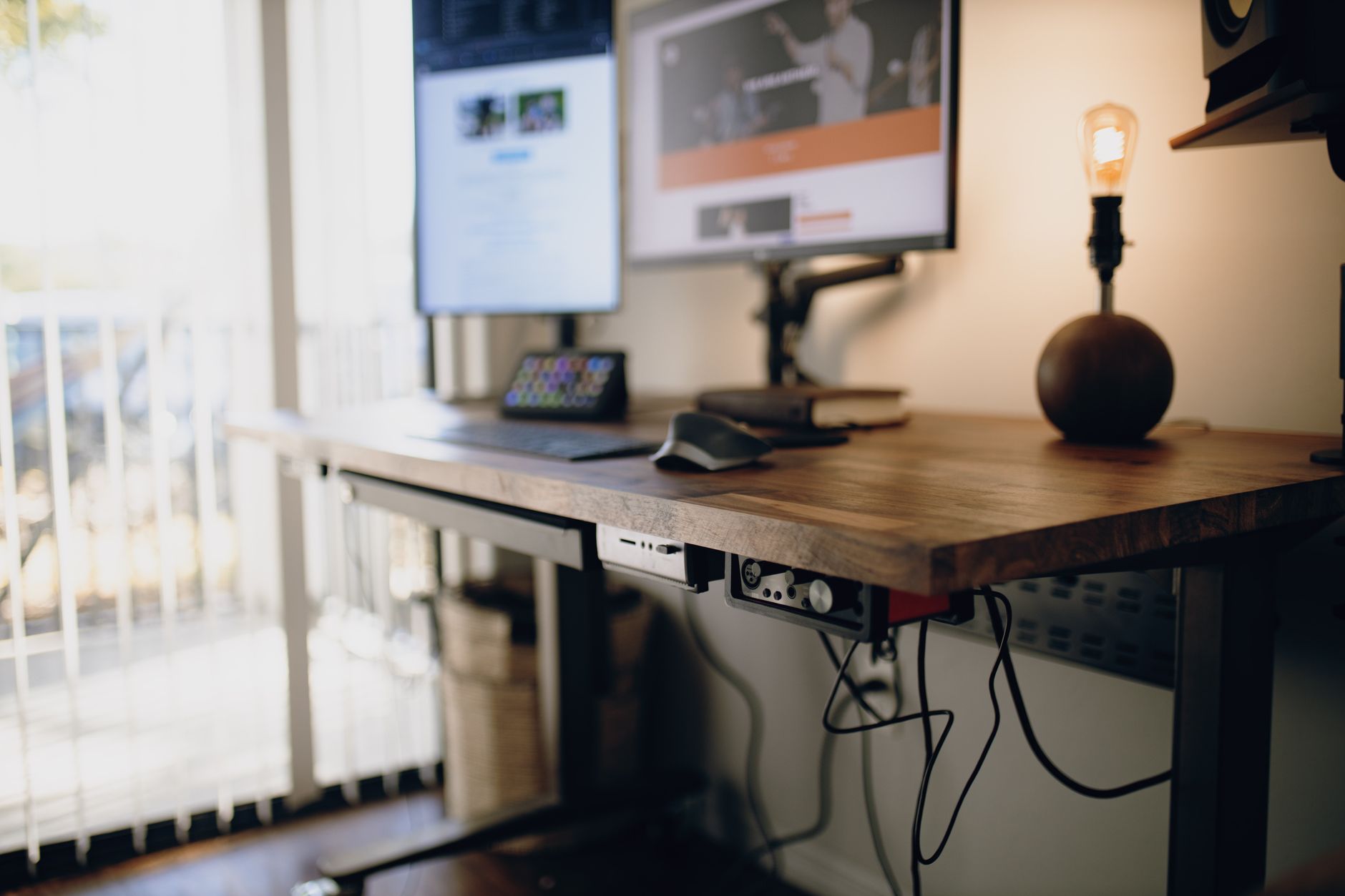
Two years after home offices became the new normal, millions find themselves fine-tuning their work-from-home setup. Remote work now feels routine for 4.7 million Americans, but as the collective rhythm of weeklong Zooms and after-hours Slack messages settles in, many realize their workspace needs more than a laptop and a mug of coffee. Whether you commandeered a spare bedroom, sectioned off a corner of your living room, or simply shifted to working from your kitchen table, the difference between a chaotic environment and an efficient setup is no longer trivial. Efficient home offices drive productivity, protect well-being, and separate work from personal time, transforming the simple act of “going to work” into a conscious daily transition. Here are key tech tips to help you create the kind of workspace that doesn’t just look good for Instagram, but truly supports sustained focus and comfort throughout the entire workday.
Optimize Your Space: Dedicated Work Zones and Lighting
Memory is powerful. Your environment shapes your routine and, by extension, your output. Too many discovered the hard way that sprawling papers across the couch or squeezing onto a kitchen counter does little for concentration. Wanda, a software engineer at a multinational, found herself losing track of cables and forgetting deadlines until she claimed a room for herself with a lockable door. Her productivity soared, proof that separating home from office, even by a curtain or a bookshelf, pays off.
- Choose a low-traffic zone, windows for natural light, doors to shut out distractions.
- Invest in task lighting or smart lamps like the latest Philips Hue models to complement daylight; these can be automated through platforms compatible with Microsoft or Apple ecosystems.
- Maximize space by using convertible desks from Ikea or Lenovo, or even a standing desk converter if real estate is tight.
Combat Clutter and Visual Noise
Visual chaos breeds mental fatigue. Kimberly, working remotely for Dell, swears by her routine: five minutes before clocking off each day, all loose papers find their folder and digital desktops get decluttered. The result is a space where she can sit down the next morning with focus, not frustration.
- Use wireless peripherals from Logitech to keep cords at bay.
- Storage solutions: file organizers, wall-mounted shelves, cable management kits.
- Weekly digital clean-up: Delete unused files, organize Chrome bookmarks, and unsubscribe from newsletters that no longer serve you.
Upgrade Ergonomics With Smart Tech and Furniture
There’s productivity, and then there’s longevity. Back pain and strained wrists shouldn’t be the price paid for convenience. Take Tim, an editor for an online publication, who after months on a wooden chair, invested in a Razer-branded ergonomic seat and an adjustable desk from HP. Both his comfort and concentration improved remarkably.
- Height-adjustable desks: models from Samsung and Asus now offer smart height memorization settings.
- Ergonomic chairs with lumbar support; add-ons like a memory foam seat cushion can make even budget chairs comfortable.
- Monitor placement: Raise your Dell or Apple display to eye level using risers to prevent neck strain.
- External keyboards and mice: splits and gels from Logitech are favored among remote professionals.
Essential Productivity Tools and Devices
Workflow gaps often stem from missing tools. For instance, Cisco’s conferencing cameras and Microsoft Teams headsets turn remote calls into boardroom experiences. Anna upgraded with a USB-C hub from Lenovo, seamlessly handling her HP printer and Apple MacBook for stress-free multitasking throughout long days.
- Reliable computer: Choose high-performance laptops/desktops from Dell, Apple, or Asus for smooth multitasking.
- Dual or even triple monitors: Samsung screens allow side-by-side windows and effortless context-switching.
- Quality webcam and headset, prioritize brands like Cisco for superior call quality.
- Docking stations to swiftly connect devices, keep desks tidy, and charge on the go.
Software and Systems: Apps That Streamline Remote Work
Hardware forms the structure, but smart software is what ties it all together. Claire, a financial consultant, relies on cross-platform tools: real-time collaboration on Microsoft 365, focus boosters like Rize, and cloud storage through Apple iCloud and Dell storage solutions. Decisions about software can make or break a workflow, particularly when shared across teams and devices.
- Task management: Tools like Asana, Trello, or Microsoft To Do for project tracking.
- Time tracking: Use Rize for automated productivity insights and focus reminders.
- Cloud backups: Apple iCloud, Dell DataSafe, Lenovo Cloud, and Microsoft OneDrive.
Integrating the Latest Brands and Technologies
The home office landscape is evolving. Major players, Logitech, Dell, Apple, Samsung, Microsoft, HP, Lenovo, Asus, Razer, and Cisco, lead innovation in comfort, connectivity, and performance for 2025. Their latest gear transforms workdays: Razer’s precision peripherals, Dell’s uninterrupted monitors, Apple’s seamless device integration, and Cisco’s noise-cancelling conference solutions are just the beginning.
- Update drivers and firmware for smooth operation and access to the latest features.
- Match your tech ecosystem (e.g., Apple with iPhone, Mac, iPad, AirPods; Microsoft Surface and Teams for seamless business calls).
- Try out new hybrid tools: Lenovo’s Smart Clock or Asus’s AI-powered meeting notes can enhance meetings and workflow.
Transforming a patchwork arrangement into an efficient work-from-home command center doesn’t happen overnight. Yet, with intentional choices in space, lighting, ergonomics, and technology, from Logitech keyboards to Dell screens, from HP’s agile desks to Apple’s ecosystem, remote workers unlock peak comfort and productivity. As the line between home and office blurs, these tech tips pave the way to balanced, rewarding workdays, every day.