


Apple’s CarPlay Makeover: ‘5 Upgrades That Change Everything’, The Shocking Revolution You Can’t Ignore!
 By
Naomi Adeyemi
By
Naomi Adeyemi
| IN A NUTSHELL |
|
The release of Apple’s iOS 26 has brought significant changes to the Apple CarPlay interface, marking one of the most substantial updates in recent memory. This latest iteration includes the much-anticipated ‘Liquid Glass’ interface, promising a more modern and streamlined experience for drivers and passengers alike. With CarPlay compatibility becoming a standard in modern vehicles, the update is a crucial step forward in integrating technology with everyday driving. Older vehicles can also benefit from these changes through aftermarket head units, making advanced tech accessible to a broader audience. Here, we explore the key features of the updated CarPlay experience and what they mean for users.
The Liquid Glass Interface: A Modern Touch
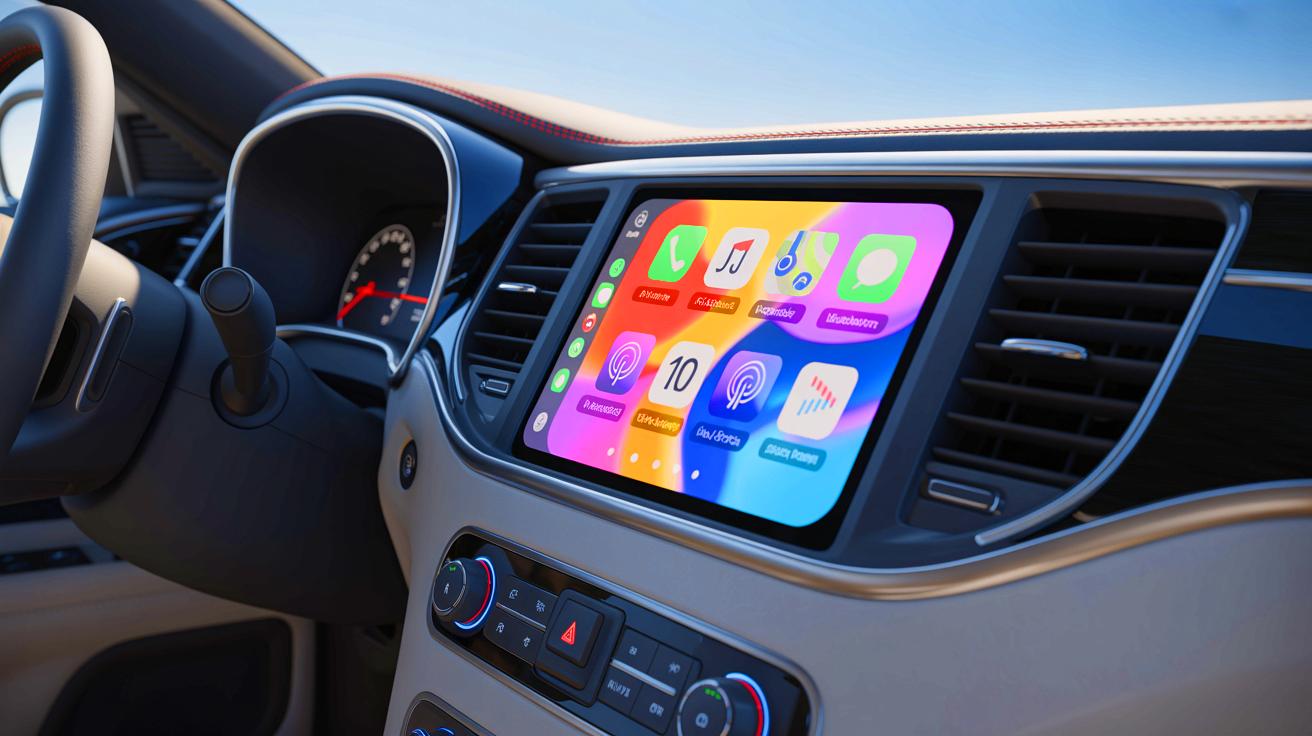
The ‘Liquid Glass’ interface is one of the standout features of the iOS 26 update for Apple CarPlay. The new design offers a sleek, modern look with rounded app icons that contrast beautifully against various backgrounds. This visual upgrade gives the interface a contemporary feel, making previous versions seem outdated. Users will notice the subtle animation of app icons, which adds a touch of dynamism to the interface. The consistency across the interface is commendable, with all icons receiving a uniform refresh.
Moreover, the app dock pinned to the side of the screen enhances accessibility. For right-hand drive vehicles, the dock’s placement on the right is particularly convenient, allowing quick access to frequently used apps. This feature contributes to a more intuitive and user-friendly experience. However, the ‘Liquid Glass’ interface may not be ideal for all users, as the transparency can make icons difficult to see, especially in bright daylight.
Widgets: A Welcome Addition for Larger Screens
With the introduction of widgets to Apple CarPlay, users can now enjoy quick access to essential information. This feature, popular on iPhones, allows for a dedicated screen displaying compact versions of favorite apps. However, the effectiveness of widgets largely depends on the size of the infotainment display. On smaller screens, such as a 7-inch display, only one widget can be viewed at a time, limiting the benefit of stacking them for quick glances.
Despite this limitation, the widget feature is still a valuable addition. Users can select from a range of widgets, including digital clocks, news headlines, and calendar entries, which can be arranged according to preference. This customization allows users to prioritize the information they deem most important. While the feature shines on larger screens, it remains a useful tool for accessing information quickly, even on smaller displays.
Streamlined Notifications Enhance Safety
Notifications in the previous version of CarPlay could be intrusive, often disrupting navigation and causing potential distractions. The iOS 26 update addresses this issue with the introduction of a ‘tapback’ function for iMessages, allowing users to quickly respond with emojis or silence notifications altogether. This improvement reduces the clutter on the screen, enabling drivers to focus more on navigation.
Incoming calls also no longer take over the entire screen. Instead, they appear as a small notification at the bottom, preserving visibility of navigation instructions. This subtle yet impactful change enhances the overall driving experience, reducing distractions while keeping users connected. The update reflects Apple’s commitment to improving user safety by minimizing disruptions and enhancing focus on the road.
Customization Options Offer Personalization
The latest CarPlay update provides users with more customization options, allowing for a personalized driving experience. While users can choose from a selection of sleek wallpapers, the ability to upload custom backgrounds remains unavailable. Nevertheless, the available options cater to various aesthetic preferences, enhancing the visual appeal of the interface.
Users can adjust text size, an essential feature for those with smaller screens or visual impairments. Additionally, the choice between Default and Dark modes offers flexibility in adapting the interface to different lighting conditions. The ‘Liquid Glass’ treatment, while visually appealing, may not suit all tastes, as it can obscure icons in certain lighting. These customization options, though limited, represent a step towards a more tailored CarPlay experience.
The Potential of Live Activities
Live Activities, introduced in the iOS 26 update, offer real-time information for users with larger infotainment displays. This feature is particularly useful for tracking live events, such as flight information or sports scores. By integrating live data, Apple CarPlay enhances its utility beyond mere navigation, providing a more comprehensive driving experience.
Apps optimized for Live Activities include those for parking, where users can track remaining time, and sports apps that display live scores. This functionality is a nod to the growing demand for real-time information in our increasingly connected world. While the feature requires compatible apps and larger screens to fully realize its potential, it represents a promising direction for future updates.
As Apple continues to refine the CarPlay experience, the iOS 26 update marks a significant step forward in integrating technology with the driving experience. While some features are best suited for larger displays, the overall improvements benefit all users. The question remains: how will Apple further innovate CarPlay to meet the evolving needs of drivers and passengers in the future?