

Turn Your MacBook Into a Scale? Sounds Crazy, Yet This App’s Trackpad Trick Is Shockingly Precise and Accurate!
 By
Rhys Llewellyn
By
Rhys Llewellyn
| IN A NUTSHELL |
|
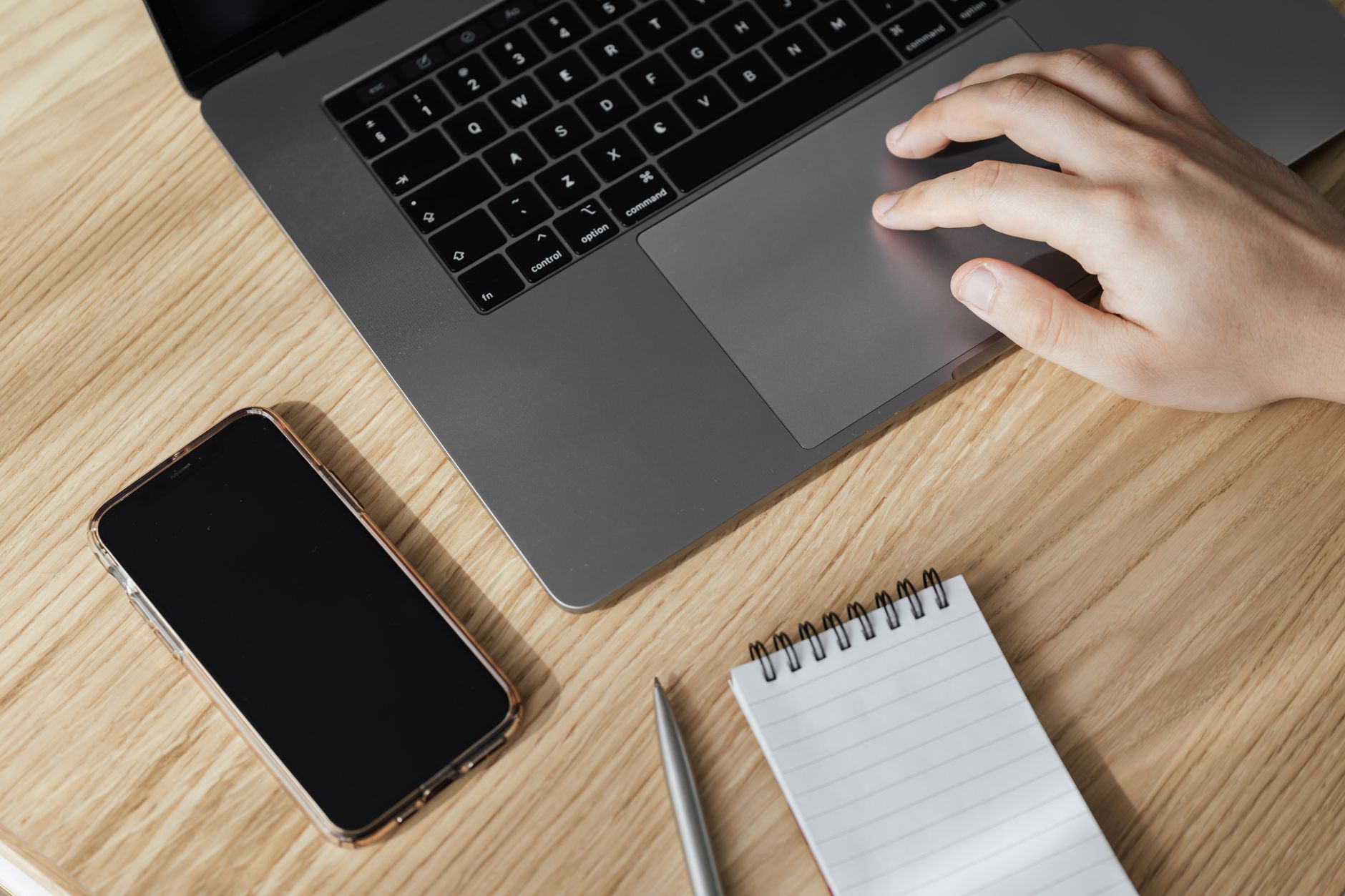
In an age where technology constantly surprises us, a new app has emerged that transforms the MacBook’s trackpad into a weighing scale. This innovative application, known as TrackWeight, leverages the advanced Force Touch sensors found in modern MacBooks to provide surprisingly accurate weight estimations. While it may sound like something out of a science fiction novel, this app demonstrates the creative ways in which existing hardware can be repurposed for novel applications. However, as with any groundbreaking technology, there are limitations and nuances that must be understood to fully appreciate its capabilities.
Transforming Your MacBook into a Scale
The TrackWeight app, developed by Krish Shah, is a prime example of innovation at work. It uses the Force Touch sensors embedded within the trackpad of modern MacBooks to measure the weight of objects. By utilizing the Open Multi-Touch Support library, the app taps into trackpad events, including crucial pressure readings, to deliver weight estimations. According to Shah, the data obtained is already in grams, which is convenient for users familiar with metric measurements. Although the app is a remarkable achievement, it is important to note that it requires a Force Touch trackpad, meaning it is only compatible with MacBooks from 2016 or newer or MacBook Pros from 2015 onward.
While the concept of using a laptop as a weighing scale might seem trivial, it could prove useful in scenarios where traditional scales are unavailable. However, the app is not without its drawbacks. Users must keep a fingertip on the trackpad while weighing, as the MacBook’s pressure recordings depend on capacitance detection. This requirement means that the weight of the fingertip can affect the accuracy of the reading. As such, users are advised to rest their fingers lightly on the trackpad to minimize interference. Despite this, the app provides a reasonably accurate weight estimation, showcasing the potential of software ingenuity in expanding hardware functionality.
Overcoming Limitations and Achieving Accuracy
One of the key challenges when using TrackWeight is ensuring accurate readings despite its inherent limitations. The necessity to keep a fingertip on the trackpad introduces an element of error, as the weight of the finger is included in the measurement. To mitigate this, users should aim to apply minimal pressure with their finger to reduce its impact on the final weight reading. Additionally, weighing metal objects can be problematic due to their conductivity; they may be detected as a fingertip press, skewing the results. Users can circumvent this issue by placing a small piece of cloth or paper on the trackpad to break contact, although this might slightly affect precision.
Moreover, the app is not suitable for weighing large items. The trackpad’s limited surface area and its sensitivity to pressure mean that only smaller objects can be accurately measured. Notably, Shah has claimed to have weighed objects up to 7.7 pounds without damaging the MacBook, demonstrating the trackpad’s robustness. However, users should exercise caution and avoid weighing excessively heavy items to prevent potential damage to their devices. Despite these limitations, TrackWeight offers a novel and functional solution for quickly estimating weights in a pinch.
Compatibility and Installation Considerations
For those intrigued by the idea of turning their MacBook into a weighing scale, it is crucial to understand the compatibility and installation requirements of TrackWeight. As mentioned earlier, the app requires a Force Touch trackpad, which limits its use to newer MacBook models. Additionally, users must be running macOS 13 or later to access the necessary Multi-Touch Support library. Another important consideration is the need to disable App Sandbox to grant the app low-level access to the trackpad data. This requirement might raise security concerns for some users, as disabling App Sandbox can expose the system to potential vulnerabilities.
Despite these considerations, the app has garnered attention for its innovative use of existing hardware. Its ability to convert the trackpad into a functional weighing scale highlights the potential for repurposing technology in ways that were previously unimaginable. While it may not replace traditional scales, TrackWeight offers a unique solution for those moments when a quick weight estimation is needed. However, users should remain mindful of the app’s limitations and ensure they understand the potential risks associated with its installation and use.
The Future of Technology Repurposing
The emergence of TrackWeight underscores the broader trend of repurposing technology for creative applications. The app’s ability to transform a MacBook’s trackpad into a weighing scale demonstrates how existing hardware can be leveraged for new and unexpected purposes. This trend is not limited to MacBooks; old iPhones equipped with 3D Touch have also been used to weigh objects, showcasing similar accuracy. As technology continues to evolve, we can expect more innovative solutions that push the boundaries of what is possible.
Ultimately, the success of apps like TrackWeight depends on their ability to deliver practical benefits while addressing inherent limitations. As developers continue to explore the potential of repurposing technology, they will likely uncover new ways to enhance functionality and improve user experiences. In a world where technology is constantly advancing, what other surprising applications might we see emerge in the coming years?